
Coconut Grid June 2026 Release
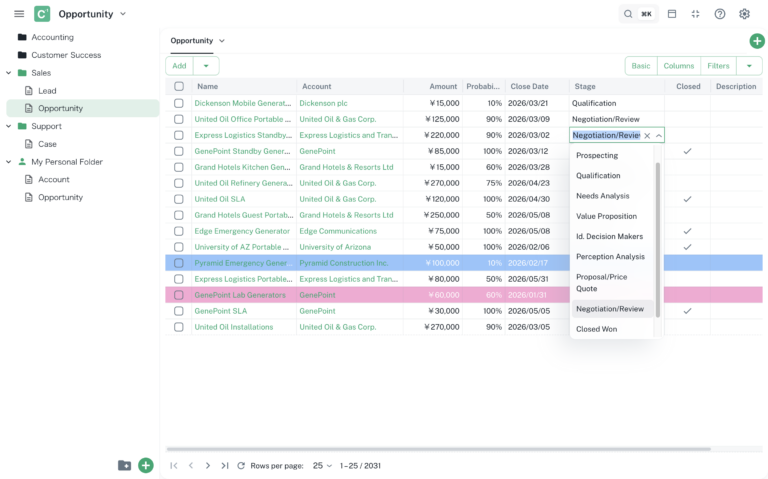
This release introduces major enhancements to data visualization and administration capabilities in Coconut Grid, along with usability improvements across the data grid experience.
New Features
Conditional Formatting
Conditional formatting is now available, allowing you to visually highlight data based on defined conditions across both rows and columns.
- Apply formatting at both row level and column level
- Define conditions similar to filters
- Customize styles such as background and text color
- Improve data readability and quickly identify important values
Backup & Restore
Backup & Restore now supports exporting and importing items, enabling backup, migration, and administrative management.
- Export items as a JSON backup file
- Import backup files to restore or migrate data
Improvements
- Added Header Align and Text Align settings in the Edit Column dialog
- Improved data grid edit mode input styling for better usability and consistency
- When saving rows with errors, the result now displays success and failed counts
- Added New Item option to the folder dropdown for quick creation
- Various UI refinements and performance optimizations